
- Platforms
- Mac, iPhone, iPad, Apple Watch
- Requires
- macOS 14 · iOS 17 · watchOS 10
- Status
- In TestFlight
- Developer
- John Dawson
What it does
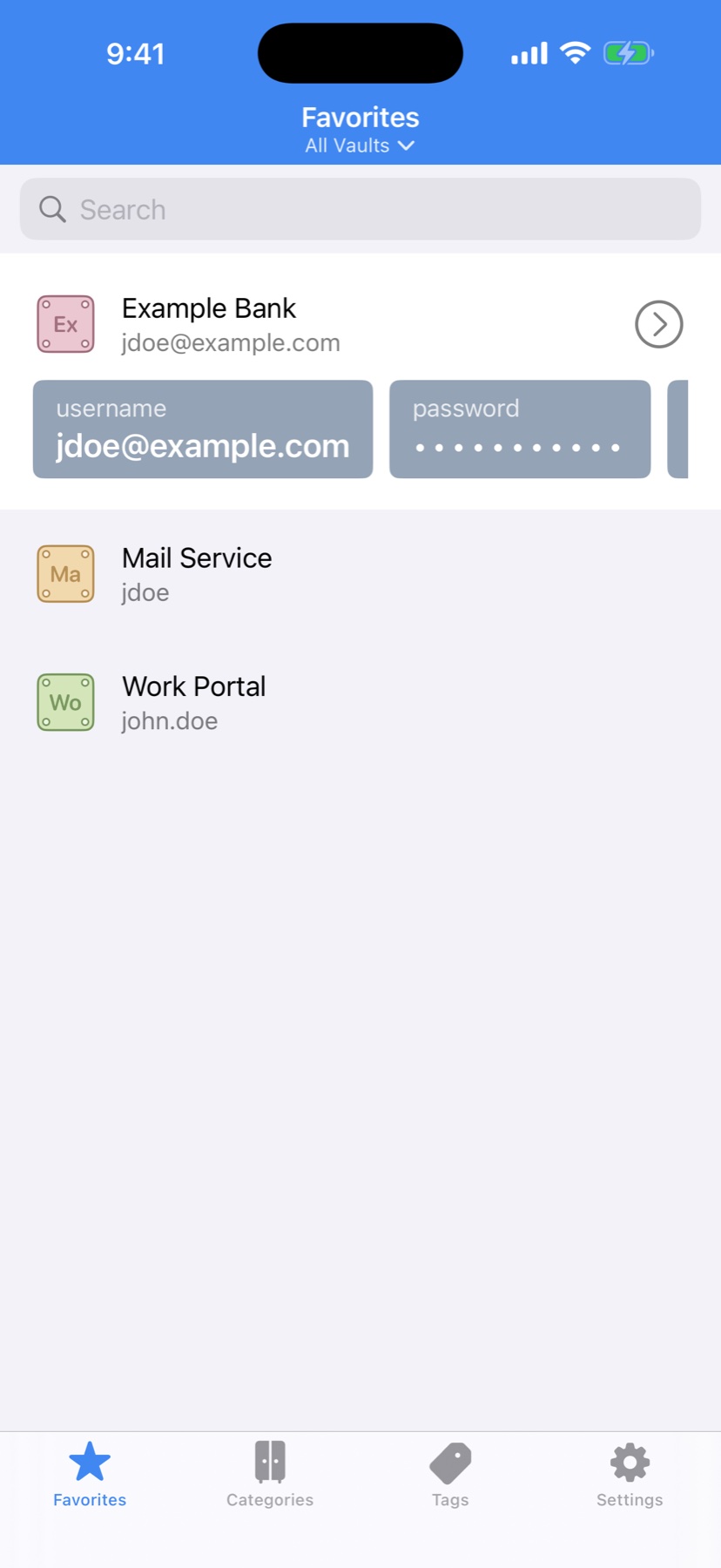
PassStore is a native password manager for Mac, iPhone, iPad and Apple Watch, in the style of 1Password. Logins, cards, identities, notes and 16 other item types live in encrypted vaults that you sync where you choose: iCloud, Dropbox, or any folder, including your own NAS.
It's built for people leaving 1Password who want to keep their data under their own control. It's also built for developers who want SSH keys and API secrets delivered to the terminal behind Touch ID.
What's inside
Modern encryption
Vaults are encrypted with AES-GCM. The key is derived from your master password with Argon2id, and older vaults are upgraded automatically.
Unlock your way
Touch ID, Face ID, or your Apple Watch on the Mac, with auto-lock when you step away.
Sync on your terms
Choose per vault: on this device, iCloud, Dropbox, or any synced folder such as Synology Drive or a NAS share.
Shared team vaults
Share a vault with family or co-workers through iCloud sharing. The owner decides who's in.
20 item types
Logins, cards, identities, bank accounts, passports, software licenses, Wi-Fi routers, servers, vehicles with a service log, API credentials, SSH keys and more.
Built-in 2FA codes
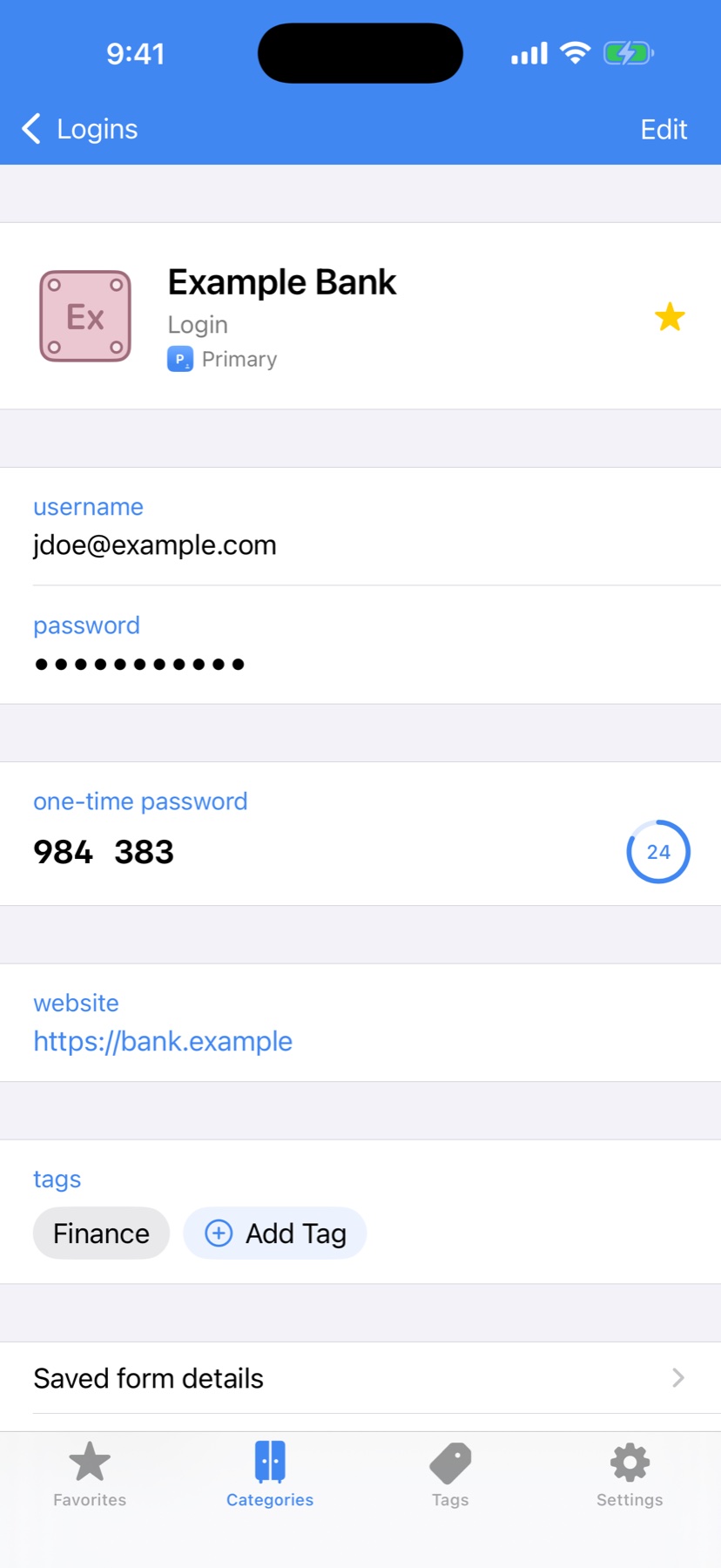
TOTP one-time codes right next to the password. Scan the QR code with the iPhone camera.
Watchtower
Flags weak, reused and expiring passwords, and checks them against Have I Been Pwned without your passwords leaving the device.
Bring your data
Import 1Password 1PIF files with attachments, or CSV from 1Password, Chrome or Safari. Export to CSV, JSON or encrypted backups.
Developer tools
A Touch ID-gated SSH agent that signs Git commits, ps:// secret references, and a pstore CLI that injects secrets into commands and config files.
On your wrist
Pin items to Apple Watch to see a login and its live 2FA code without reaching for your phone.
A closer look
Tap any screenshot to enlarge. Swipe or scroll sideways for more.
Get it now
Pick your platform below.
Join the beta: iPhone, iPad & Mac. Open the link on the device and install through Apple's TestFlight app (Mac needs macOS 14 or later)