Send it to my screen
Snap it on your phone. See it on the big screen.
- Platforms
- Mac, iPhone, iPad, Apple TV
- Requires
- macOS 13 · iOS 17 · tvOS 17
- Status
- Mac available · iPhone in TestFlight
- Developer
- John Dawson
What it does
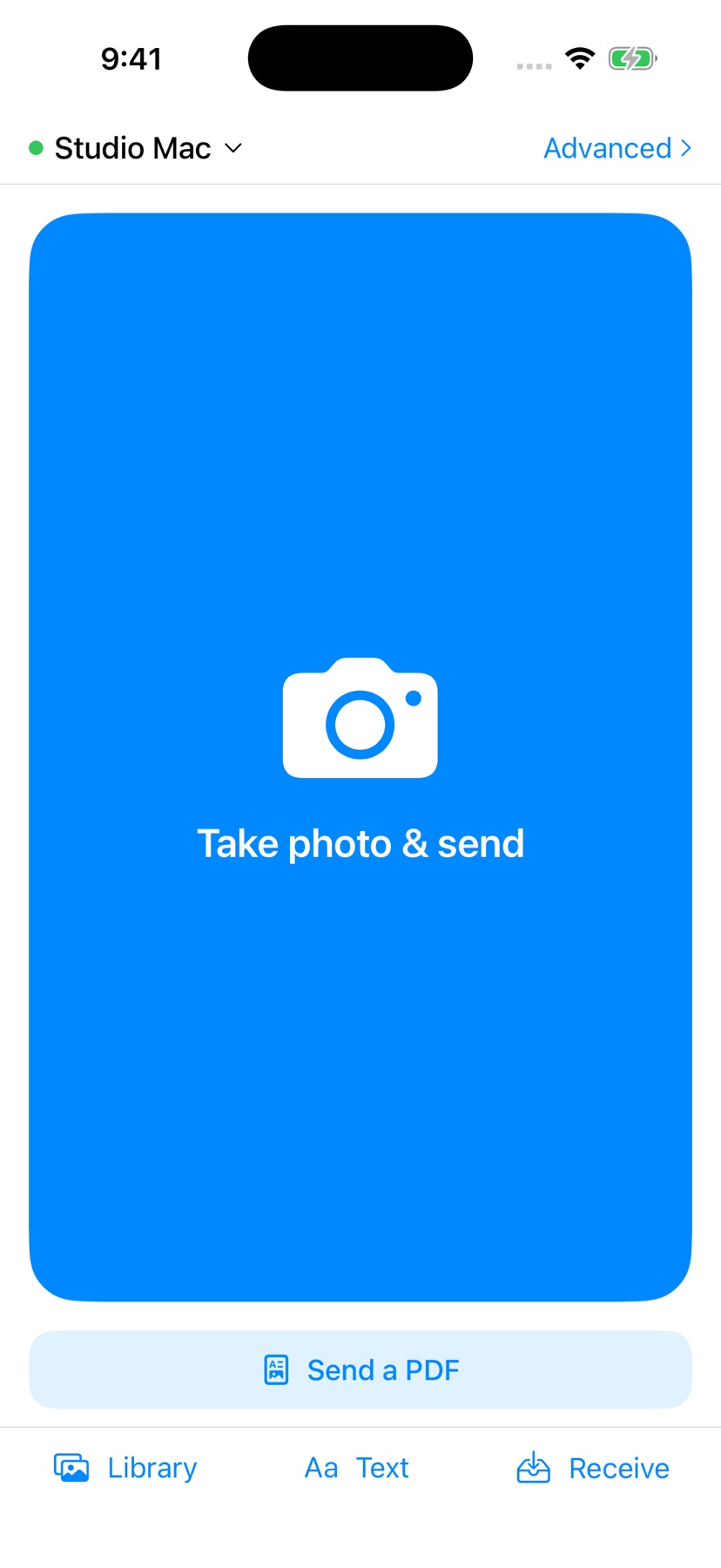
Send it to my screen is the fastest way to get a photo, a document or a bit of text from your phone onto a Mac, an Apple TV or any browser. Take the picture, tap send, and it pops up on the big screen by itself.
Why not AirDrop? AirDrop is still unreliable and often hangs on big, busy networks. Every photo it delivers also lands in your camera roll, and from there iCloud syncs it to every Apple device you own. That eats iCloud storage, plus space on each device, for a picture you only needed to see for a minute. Send it to my screen puts it on the screen and keeps it out of your photo library.
It works over your local Wi-Fi with no account. When the screen is somewhere else, it goes through an end-to-end encrypted relay, which needs an activation key. It's built for shops, warehouses, presenters and families who are tired of fighting AirDrop or emailing photos to themselves just to see them bigger.
See it in action
Sent from the iPhone, each item appears on the Mac and comes to the front automatically.
What's inside
Pops up on its own
New items load automatically and come straight to the front of the screen, so nobody has to go hunting for what you just sent.
Keeps your camera roll clean
Items go to the screen, not your photo library, so they don't sync to all your devices or use up iCloud storage.
Send from anything
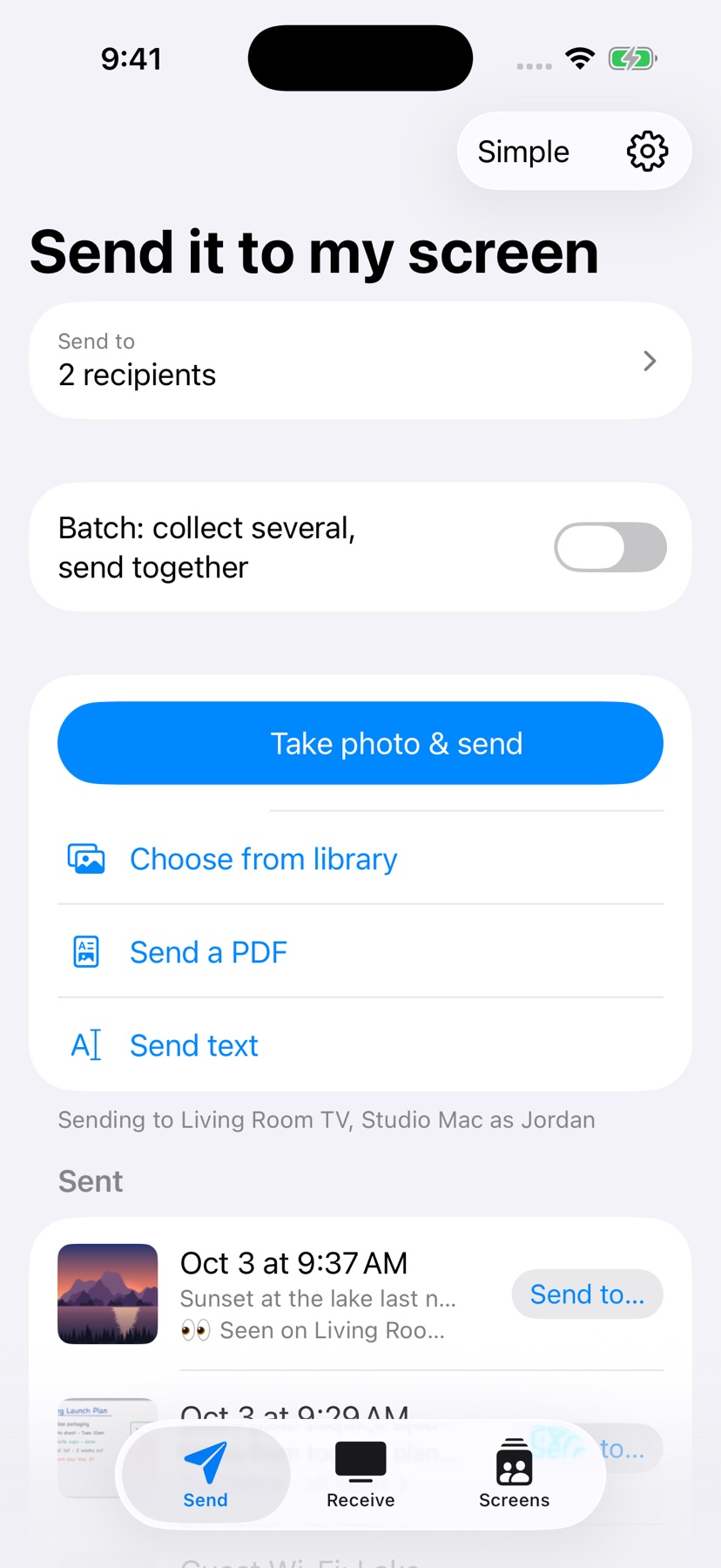
iPhone, iPad, Android, or a Safari web page you open from a QR code, with nothing to install. Screens on your network are found automatically.
Reads what you send
On-device text recognition and barcode reading run on every photo. Copy a barcode, or paste it straight into the app in front.
Review, crop, batch
Crop on the phone, send a batch with one note, and get a "Seen" receipt. Anything that couldn't be delivered waits in an Outbox and sends later.
Share sheet everywhere
Send from Photos, Files, Safari or Mail through the share extension: photos, PDFs, text and links.
Encrypted relay
Send to screens anywhere with end-to-end encryption and no accounts. Pair with an invite link, and the owner approves each device. The relay needs an activation key, available by email.
Apple TV screen
The newest photo fills the TV with the rest in a strip below. The Siri Remote handles reveal and dismiss.
Presentation safe
Blur incoming photos until you reveal them, for everyone or by sender, so nothing surprising lands on a projector.
Organized on the Mac
Inbox and Archive, a sidebar grouped by sender and tag, search across notes, OCR text and barcodes, and an unread count in the menu bar.
A closer look
Tap any screenshot to enlarge. Swipe or scroll sideways for more.
Get it now
Pick your platform below.
Download for Mac: Notarized DMG · macOS 13 or later · updates itself
Join the iPhone & iPad beta: Open on your iPhone or iPad. Installs through Apple's TestFlight app
Apple TV: Coming soon